

Video MCP Server
Gracenote MCP Demo
Gracenote provides a chatbot to demonstrate the MCP Server. Use this demo to explore use cases and view example responses in structured JSON.
The JSON response shown in the demo is dictated by the MCP client, and is designed to be consumed by the web demo. You may specify your own response format in your own LLM client.
- Obtain authorization credentials from your Gracenote representative.
- Navigate to: https://videomcp.gracenote.com/
- Log in using the credentials provided by your Gracenote representative.
- On the main screen, enter a prompt or click one of the pre-defined prompts.
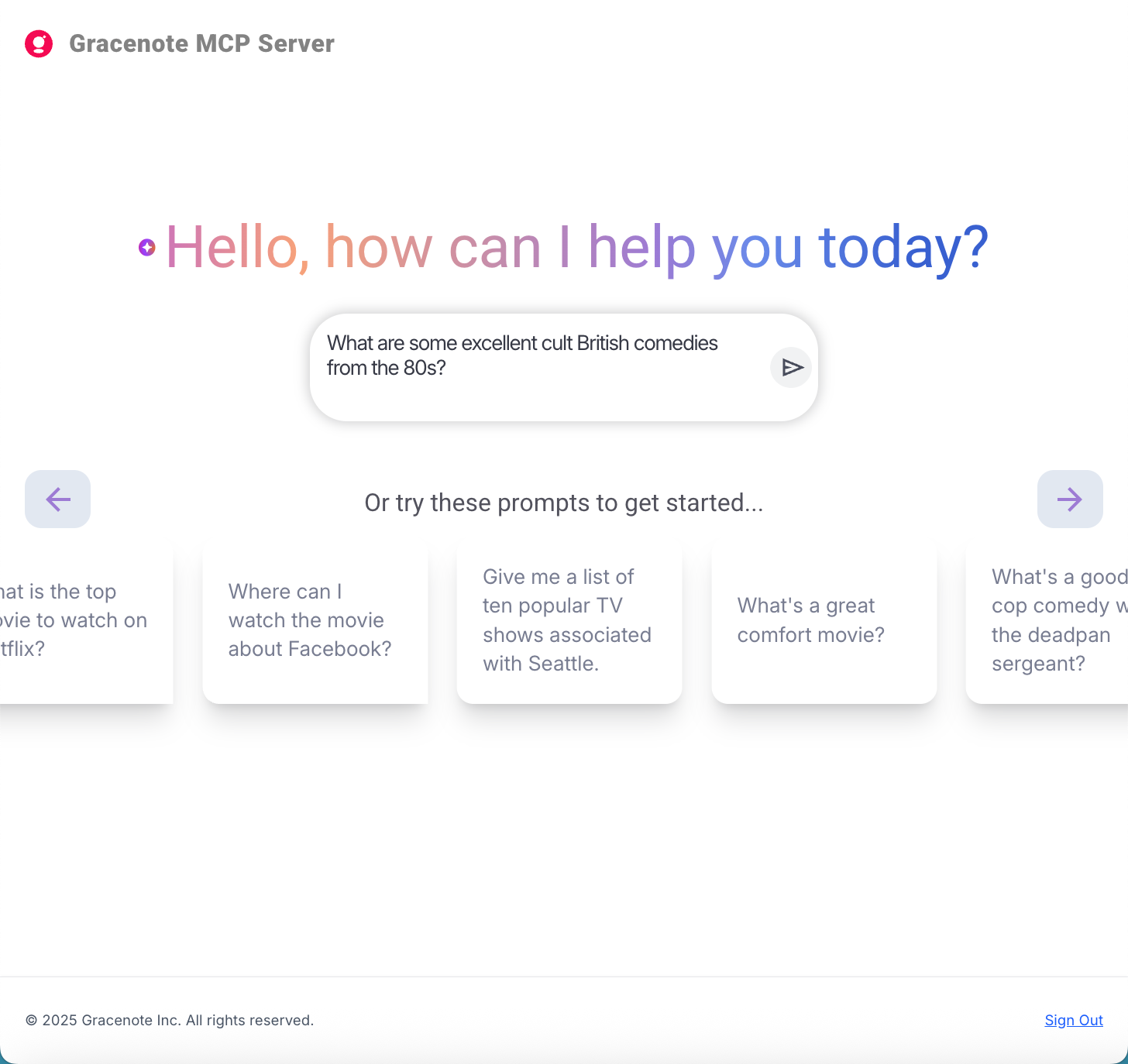
- Click the arrow to run the query.
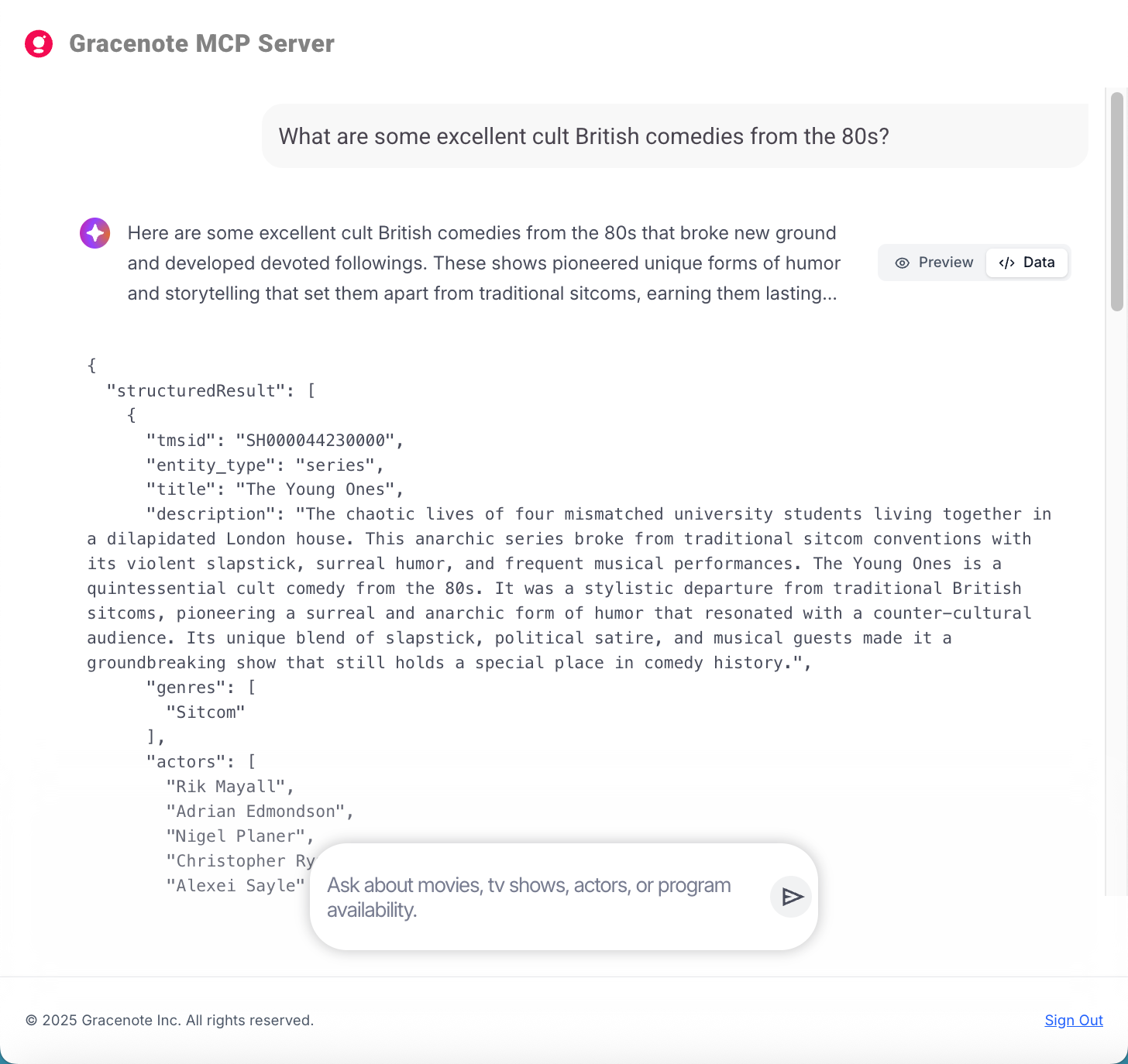
- View the response by clicking </> Data to view the response as JSON.
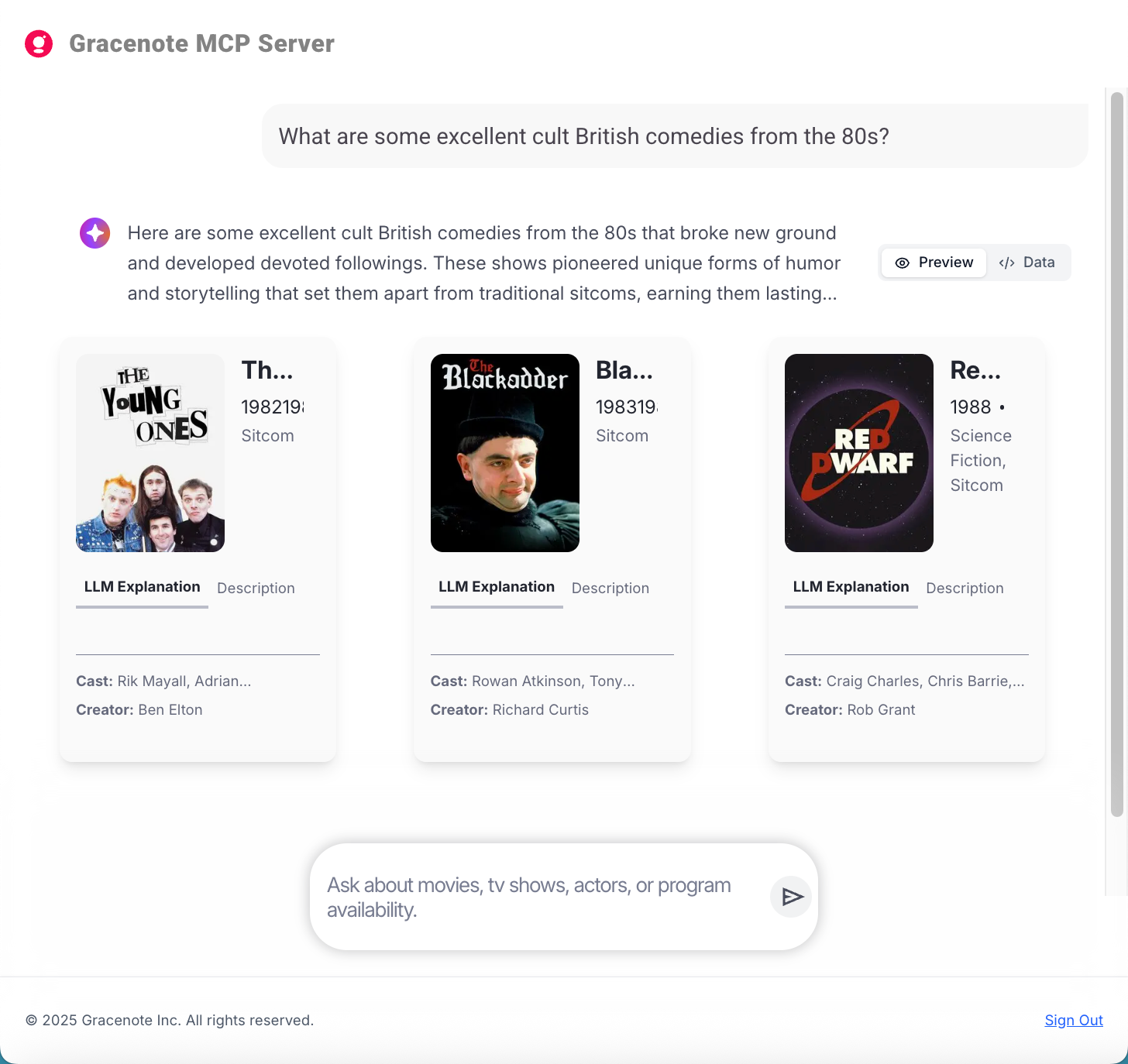
- Click Preview to view the rendered response.
For example, the response below is for the prompt: “What are some excellent cult British comedies from the 80s?”
Example Data Response
Example Preview Response
Last modified on