

GN View Web App
Advanced Search
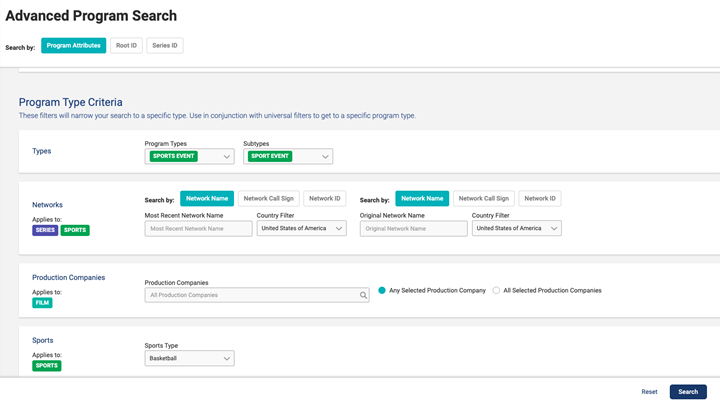
Search for programs by program metadata fields including title, genre, release year, program type, sport type, along with a Root ID and Series ID search. This module is helpful for hard-to-find content, grouping of content based on similar attributes, verifying international content, and id searches aside from TMS ID search.
Program Attributes
- Click Advanced Search from the side navigation. Input various fields to get a return of programs based on entered in fields.
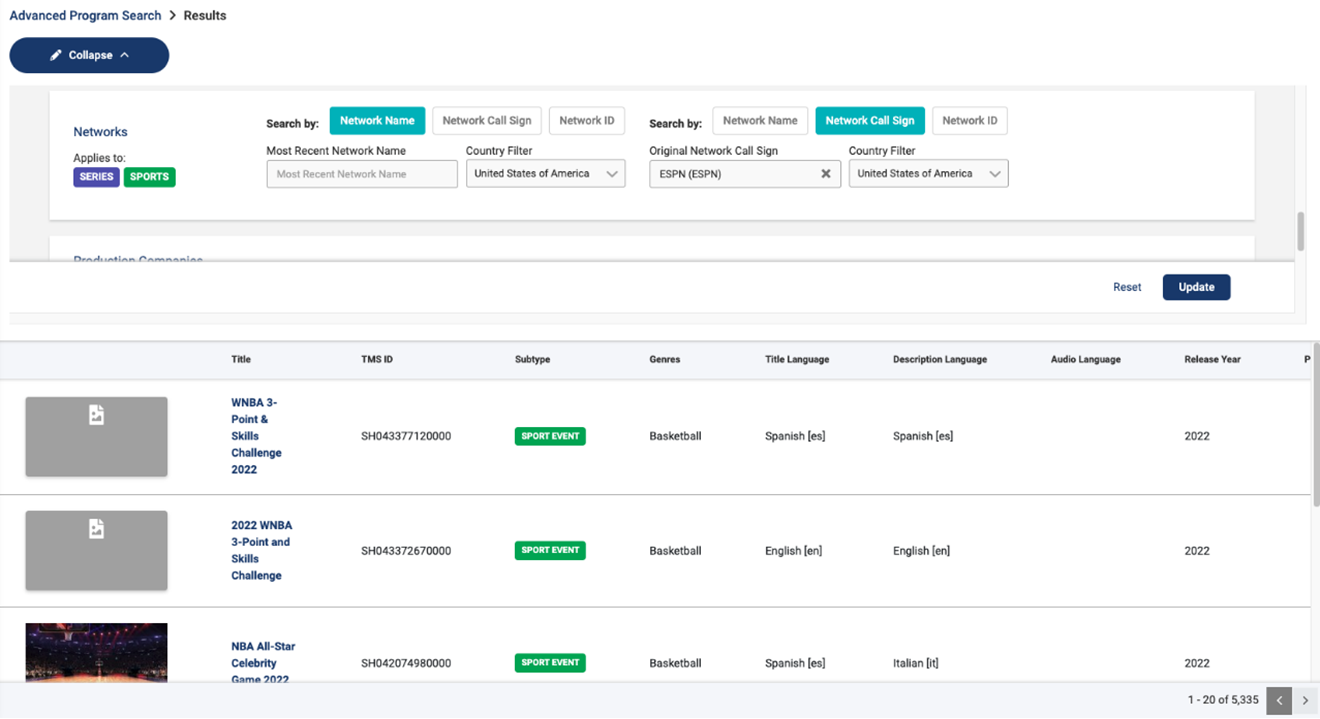
- Use the collapse button on the results page to update any search criteria.
- Click Update to apply to changes to the search.
Root ID
- Click Advanced Search from the side navigation.
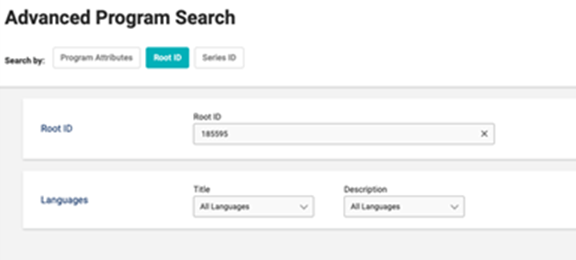
- Select Root ID from the Search by options.
- Enter in the Root ID and any title and language combination to narrow down the search or keep empty for all TMS IDs under the Root ID.
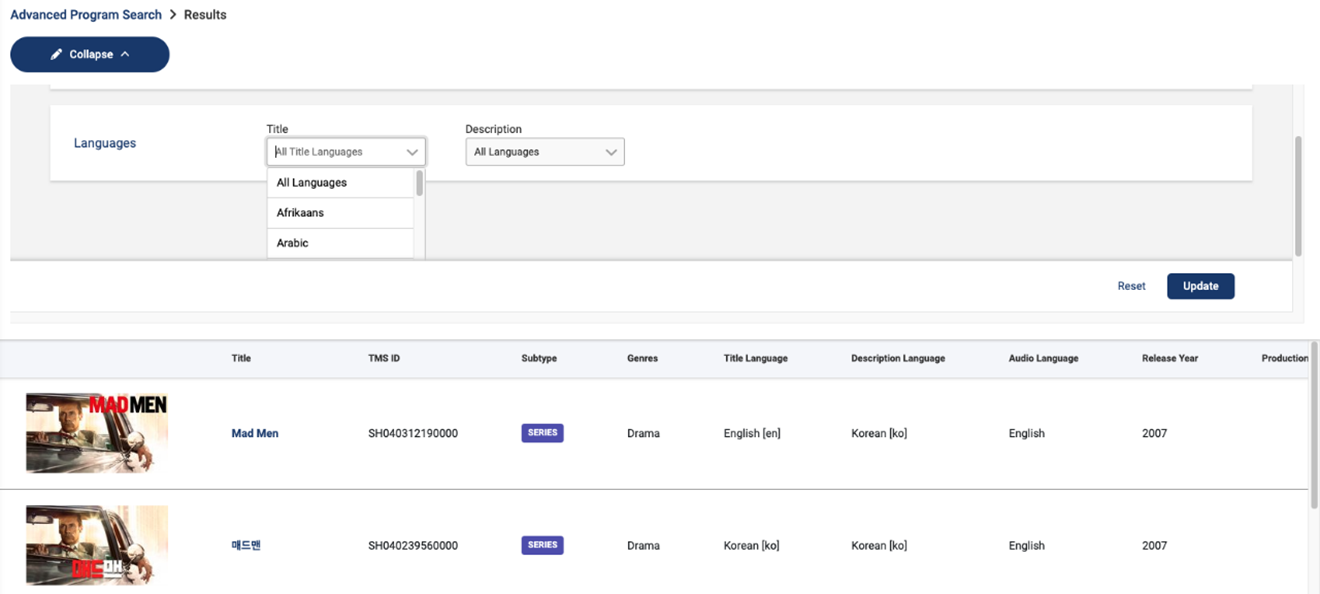
- Modify the search with the collapse button on the results page to narrow down the search or change search criteria.
Series ID
- Click Advanced Search from the side navigation.
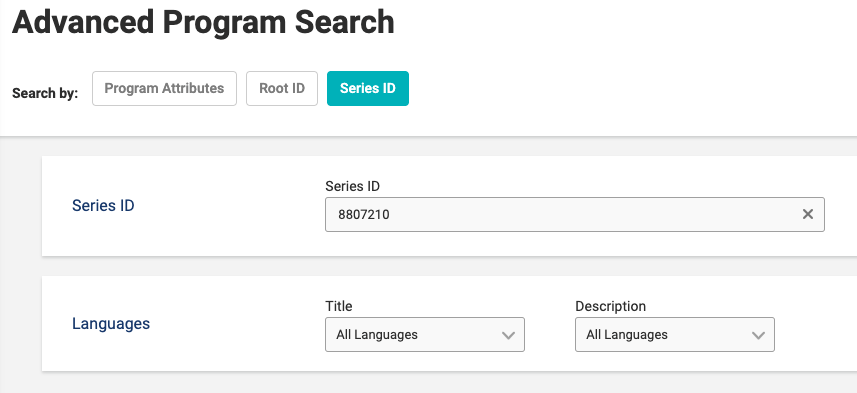
- Select Series ID from the Search by options.
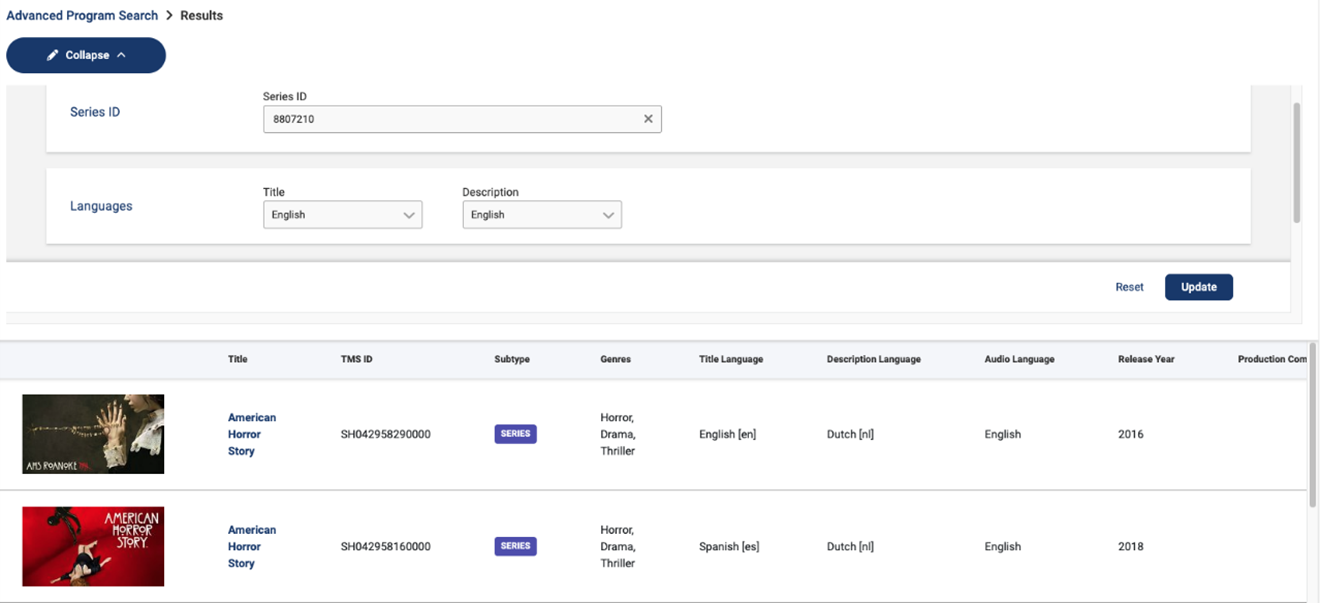
- Enter in the Series ID and any title and language combination to narrow down the search or keep empty for all TMS IDs under the Series ID. Using Series ID will help you get to all seasons of a super series, a series that changes title from season to season e.g., American Horror Story [Season 1 title: American Horror Story: Murder House, Season 2 title: American Horror Story: Asylum, etc.]
- Modify the search with the collapse button on the results page to narrow down the search or change search criteria.
Last modified on