

GN View Web App
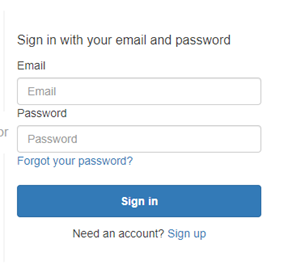
Login
Go to gracenoteview.com to access global TV schedules and international video metadata. 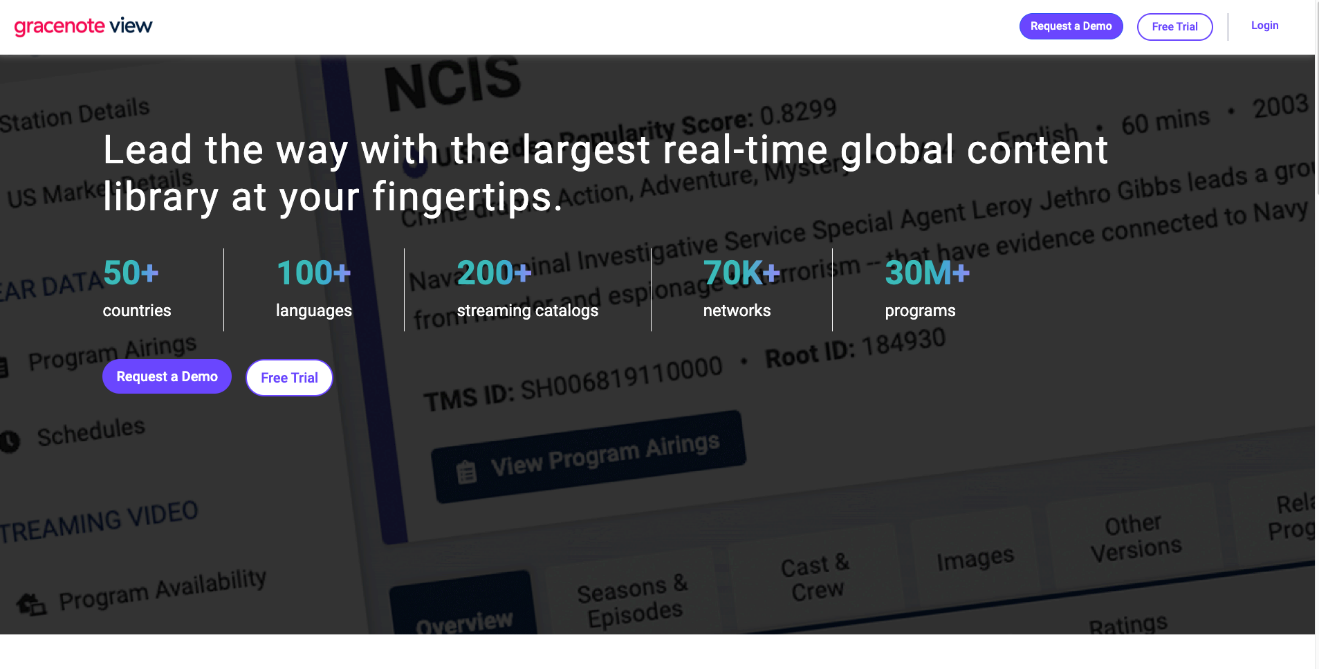
Sign-Up
- Click the Sign up hyperlink below the Sign In button.
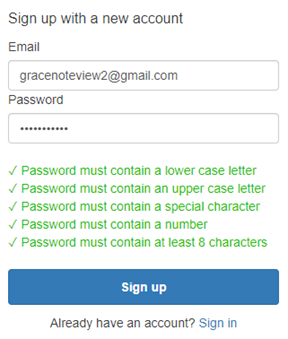
- Set up your password and click Sign up button.
Set Up User Preferences
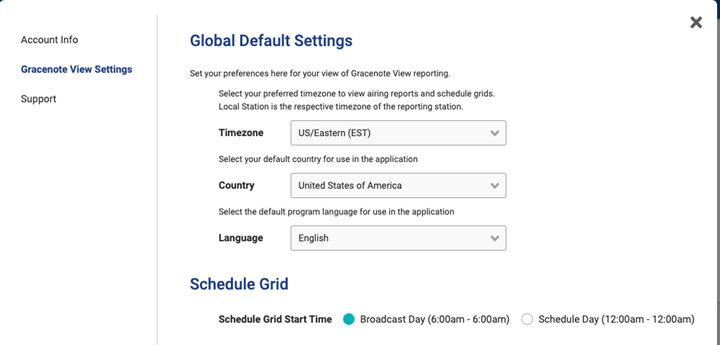
- Select your preferred Timezone, Country, and Language filters to be used throughout the application for searches. These can be changed at any time in Gracenote View Settings
- Click the person icon at the top right of the site and Click Account Settings.
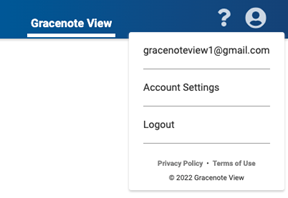
- Click Gracenote View Settings and specify your desired Timezone, Country, and Language that you would like to see as the default filters utilized throughout the application.
Monitor Site Updates
To keep track of new feature releases and other site modifications, click the pop-up labeled What's New in the bottom left corner of the site.
My Saved Items
Throughout GN View, click the Save button to re-run specific search criteria. See your lists within the My Saved Items in the left-side navigation bar and select any list to run the saved search. 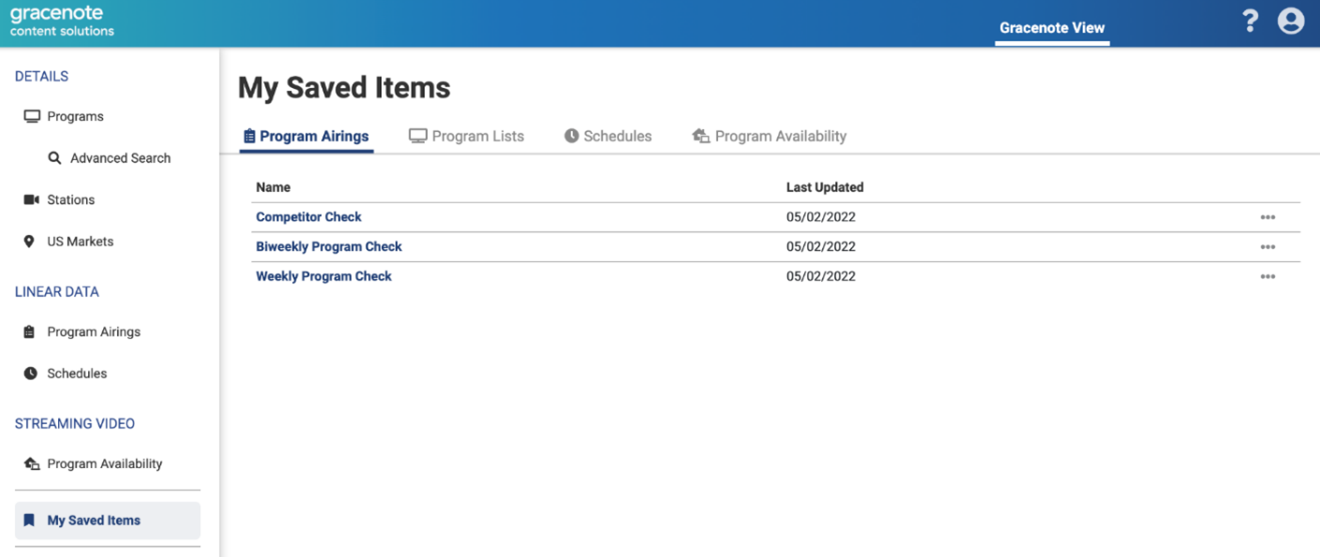
Last modified on