

GN IDs Web App
Delete Programs, Seasons, and Episodes
Follow these steps to delete programs, including program seasons and episodes.
Delete a Program
To delete a program:
- Click on the dropdown icon located to the right of the program row to be deleted.
- Click Delete.
- At the prompt, click Delete again to confirm the deletion.
Delete a Season
To delete a season:
- Click the toggle row expand button to the far right of the series row. This opens the season panel.
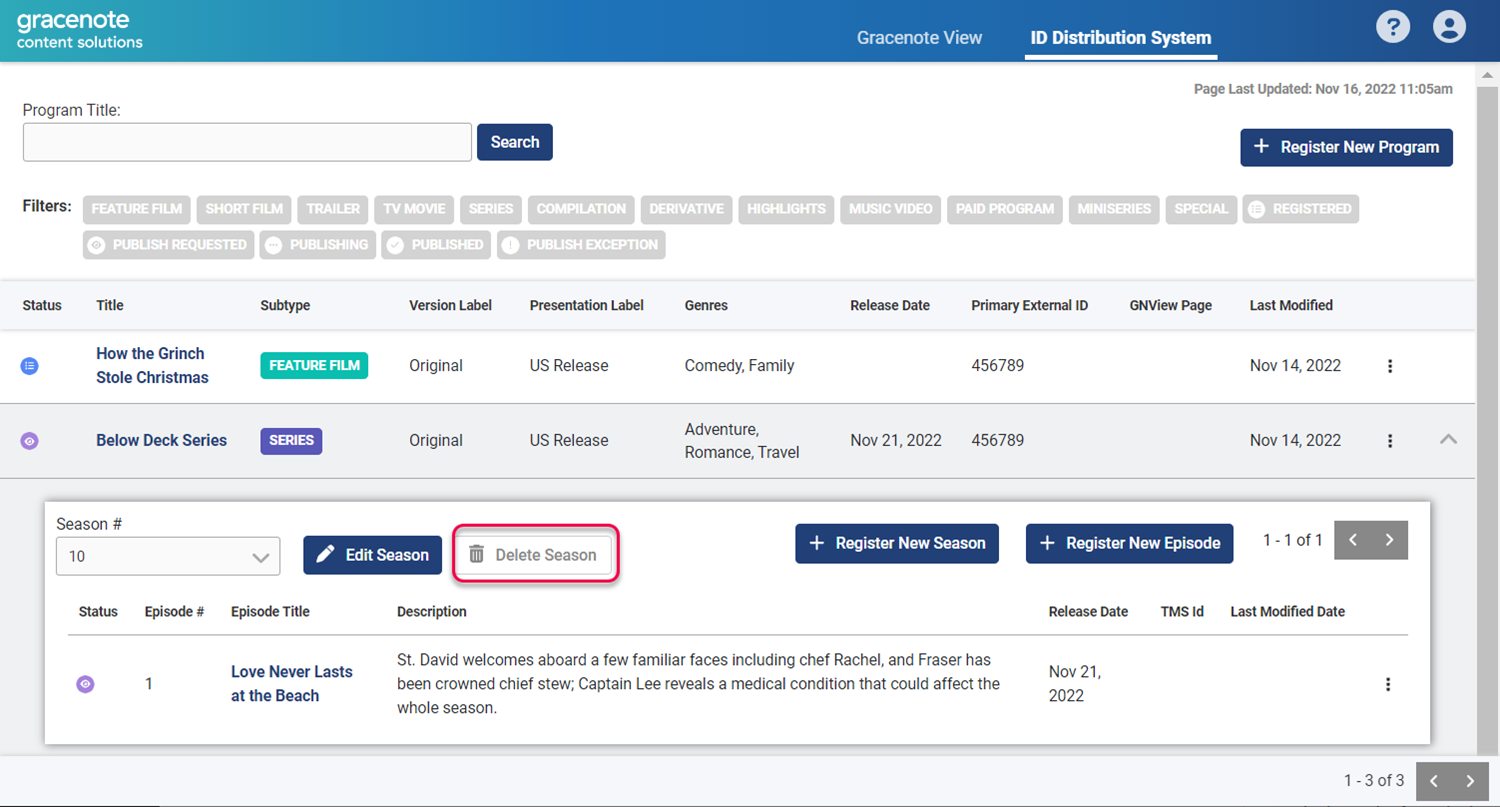
- Click the Delete Season button.
- At the prompt, click Delete to confirm the deletion.
Delete an Episode
- Click on the dropdown icon located to the right of the program row.
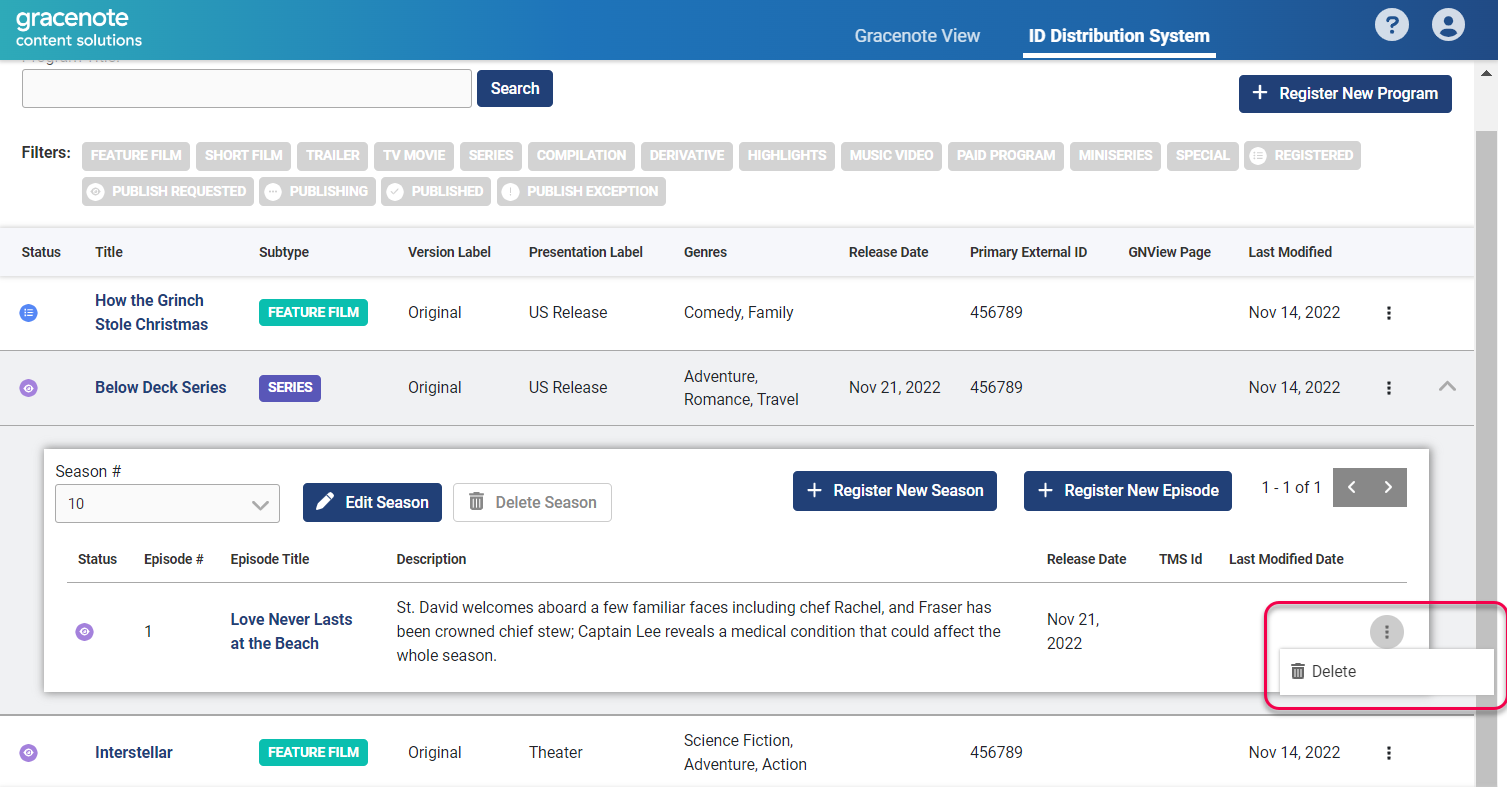
- At the prompt, click Delete to confirm the deletion.
Last modified on