

GN IDs Web App
Getting Started
Account Setup
- Go to gracenoteview.com and click Login.
- Enter your email and password.
To create a new account:
- Click the Sign-up link.
- On the next screen, enter your email and password.
- Click the Sign-up button.
Account Settings
To view your account information:
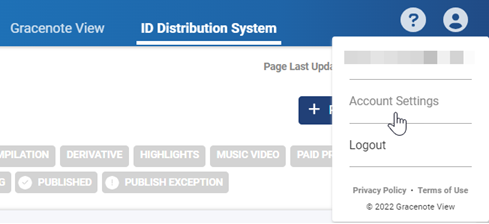
- Click the account icon at the top right of the site and select Account Settings.
- Select Account Info to see your profile and Gracenote View plan.
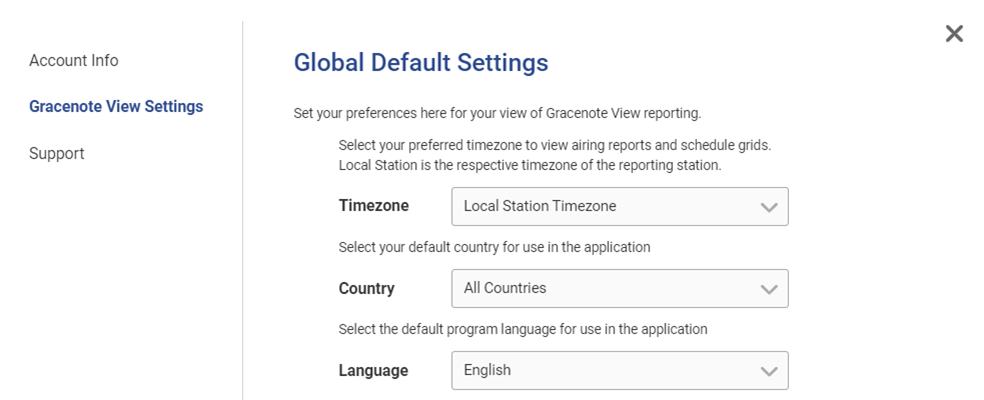
- Select Gracenote View Settings to view or set your time zone, country, and language.
Last modified on