

What is Bulk Publish?
The bulk publish feature allows you to publish multiple programs simultaneously, streamlining the process of making content available in the Gracenote ID Distribution System (GN IDS). This feature is useful when dealing with large volumes of programs. By allowing simultaneous publication of multiple programs, it significantly reduces the time and effort required in content distribution. As part of a comprehensive set of publishing tools, including individual program publishing and republishing options, the bulk publish feature empowers you to manage and update program information swiftly and effectively.
Benefits
• Efficiency: Publish multiple programs in one action, particularly useful for large batches.
• Time-saving: Reduces the need to go through the individual publish process for each program.
Important Considerations
• Ensure all selected programs have required fields filled out (e.g., Genre, Release Date, Release year).
• Review selected programs carefully before bulk publishing to avoid unintended publishing.
How to Use Bulk Publish
- Access: Go to gracenoteview.com and log in.
- Click ID Distribution System at the top of the screen. This opens the GN IDS web application showing the Programs page.
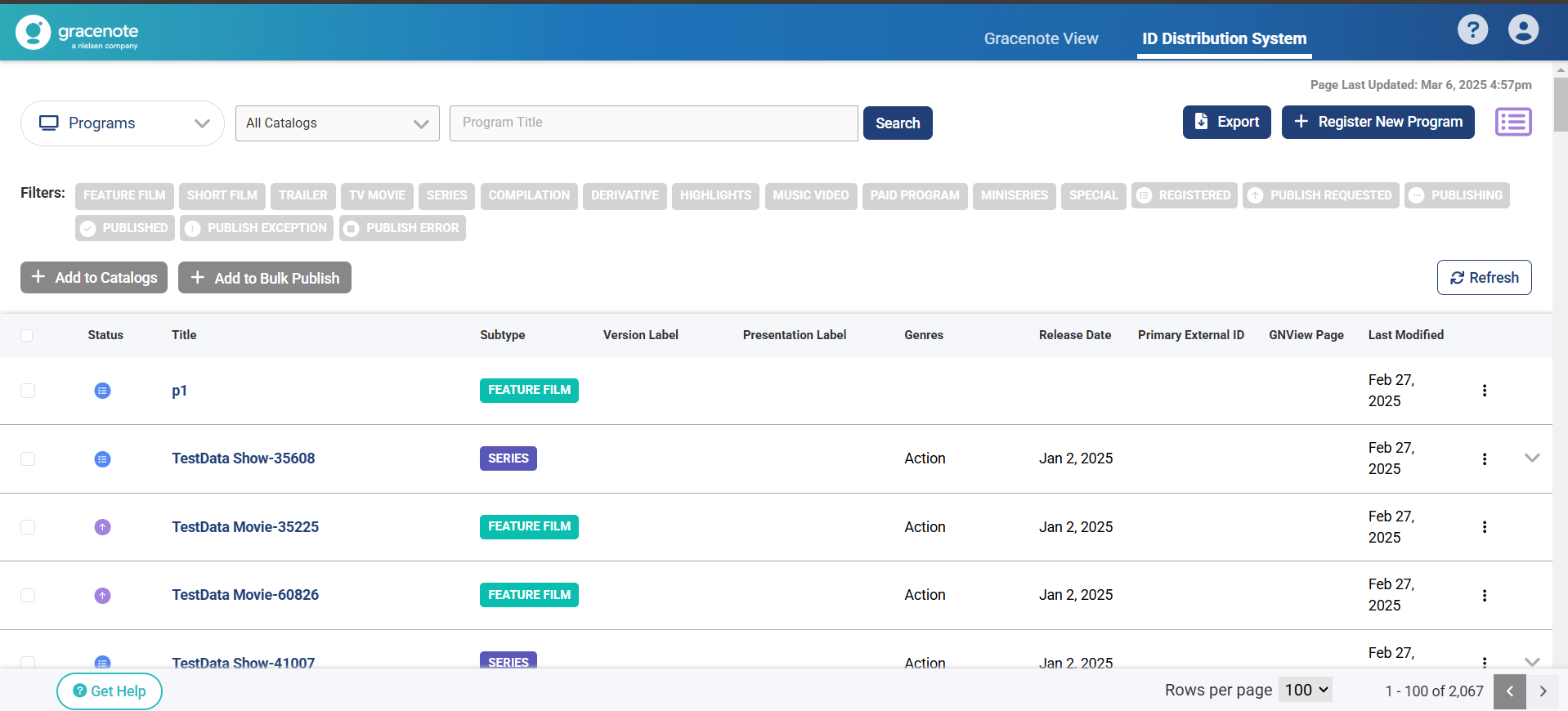
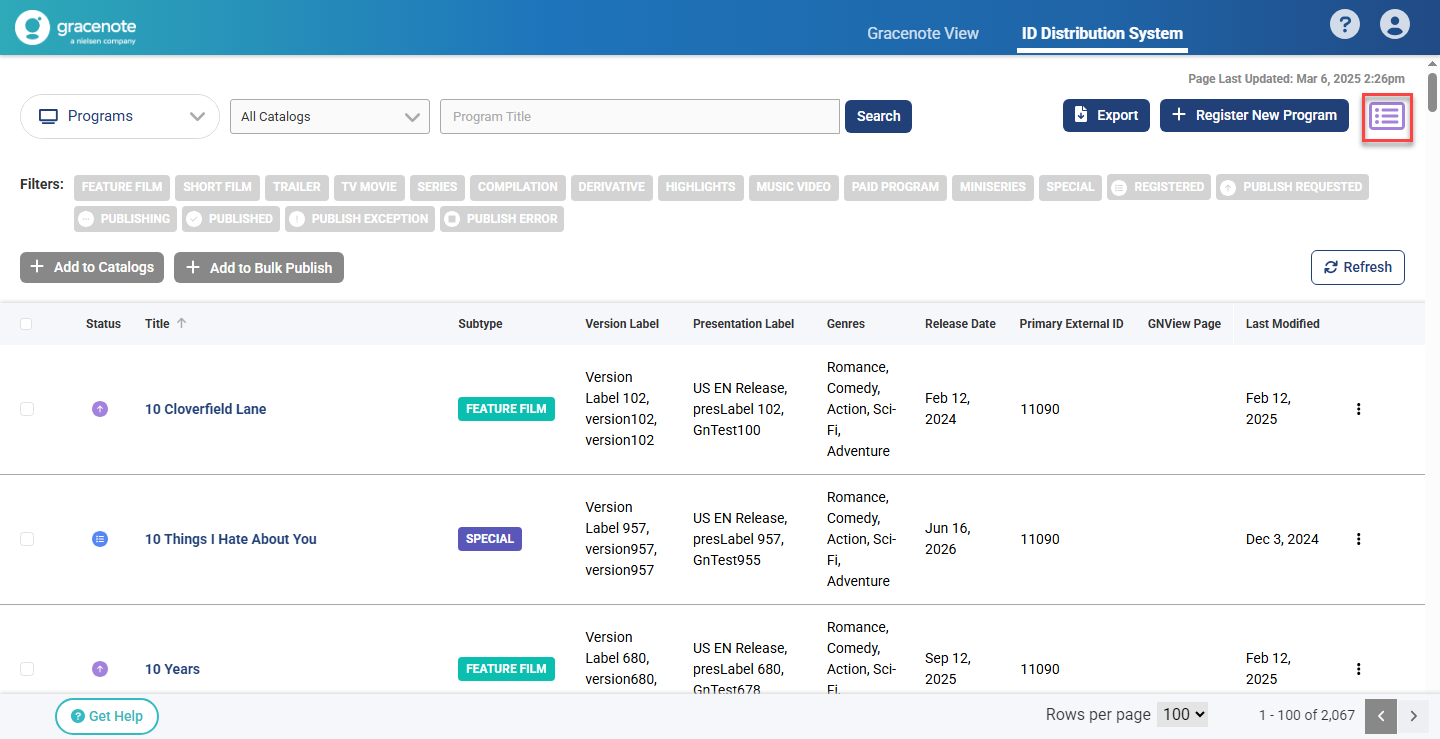
- On the Programs page, click the bulk publish button to open the bulk publishing list panel.

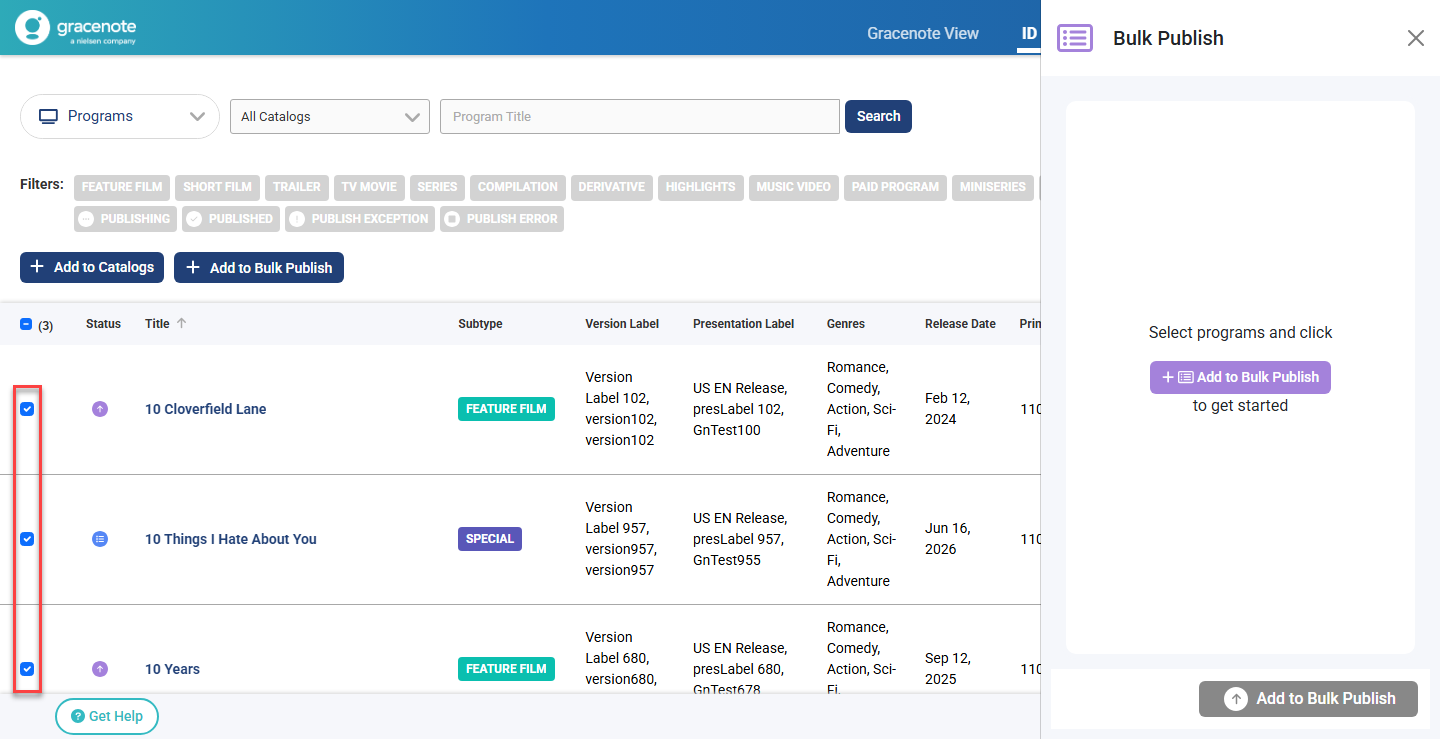
- Select the desired programs to publish.
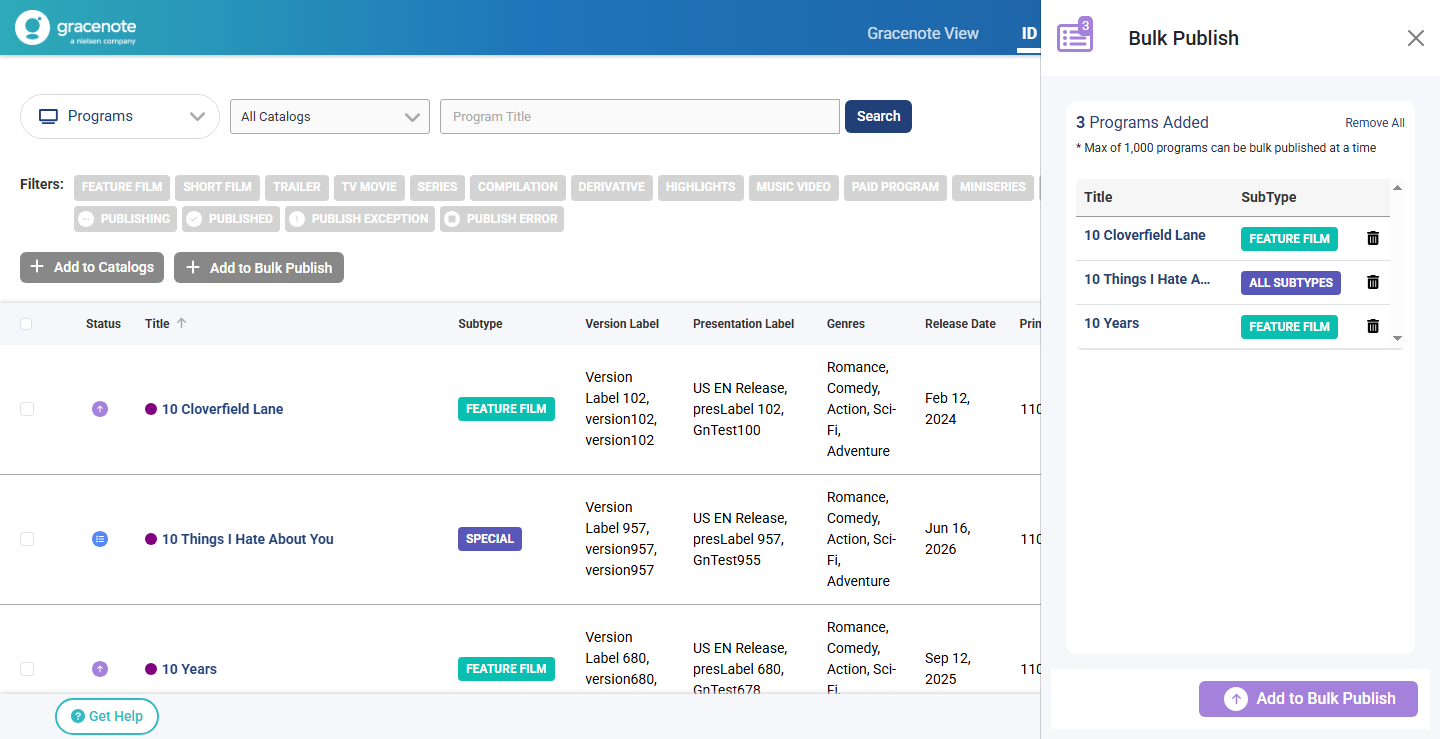
- Click the Add to Bulk Publish button on the page to populate the list panel.
-
When ready to publish, click the Add to Bulk Publish button on the list panel.
-
You will get a confirmation that the publishing was successful.